

Managing Moodle question banks over time can be surprisingly complex, especially as courses are copied forward, question type plugins are no longer supported, and legacy data accumulates. This interactive workshop will recap recent changes within the product and real-world issues encountered while managing question banks, including challenges with deprecated question type plugins, cluttered categories, and inherited assessment data.
- Teacher: Anderson Shalimar
- Teacher: Ward Ted

Everything you need to get up and running as a teacher with Moodle. This will cover the basics of course management, activity creation, and user management. We will also discuss how to set up and use a variety of Moodle core features such as assignment, forum, book, quiz, and lesson. Time permitting, we will explore some easy to create, but highly effective H5P content types. This session is perfect for beginners!
- Teacher: Bryant Jess
- Teacher: Coughenour Sheri
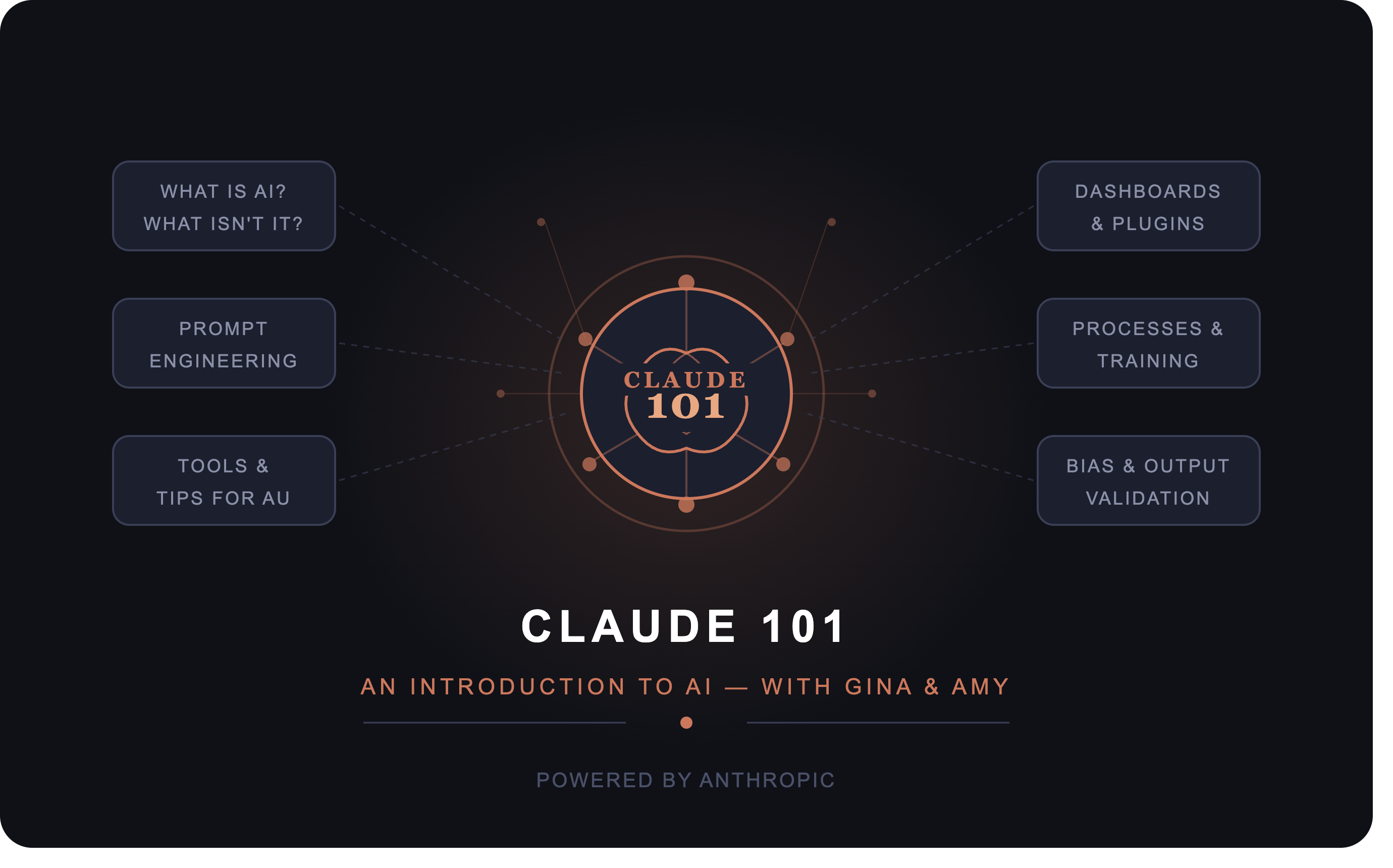
Curious about AI but not sure where to start? Join Gina and Amy for Claude 101, a practical, approachable introduction to Claude by Anthropic — and to the broader world of artificial intelligence.
We'll open with a grounded overview of what AI actually is (and what it isn't), cutting through the hype to give you a clear-eyed understanding of where the technology stands today. From there, we'll walk through Claude's core tools and capabilities, and dive into the art of prompt engineering — including how to iterate and refine your prompts to get consistently useful results.
The session also covers tips tailored specifically for those who are new to using Claude and AI to assist with their day to day work, so you can start applying Claude in ways that fit your work right away. We'll bring these concepts to life through real-world examples drawn from our own experience, including how Claude has been used to build dashboards, streamline processes, develop training programs, and create plugins.
Finally, because responsible AI use matters, we'll close with practical guidance on how to identify and avoid bias in AI-generated content — and how to validate Claude's output so you can trust what you're working with.
Whether you're brand new to AI or looking to use Claude more confidently and intentionally, this session will give you the foundation you need.
We'll open with a grounded overview of what AI actually is (and what it isn't), cutting through the hype to give you a clear-eyed understanding of where the technology stands today. From there, we'll walk through Claude's core tools and capabilities, and dive into the art of prompt engineering — including how to iterate and refine your prompts to get consistently useful results.
The session also covers tips tailored specifically for those who are new to using Claude and AI to assist with their day to day work, so you can start applying Claude in ways that fit your work right away. We'll bring these concepts to life through real-world examples drawn from our own experience, including how Claude has been used to build dashboards, streamline processes, develop training programs, and create plugins.
Finally, because responsible AI use matters, we'll close with practical guidance on how to identify and avoid bias in AI-generated content — and how to validate Claude's output so you can trust what you're working with.
Whether you're brand new to AI or looking to use Claude more confidently and intentionally, this session will give you the foundation you need.
- Teacher: Tessitore Amy
- Teacher: Wilson Gina
Artificial intelligence is rapidly changing how students approach learning and coursework. This interactive workshop explores how bias and misinformation can appear in AI-generated responses, introduces practical prompting strategies, and examines ways learning activities can be redesigned for an AI-enabled environment. Participants will analyze examples of AI output, experiment with structured prompts, and discuss strategies for supporting responsible and thoughtful use of AI in higher education.
- Teacher: Fortin Kathryn
- Teacher: Zimmer Keri