You’ve got a slide deck due Friday, a course module that needs a header image, and stock photos that look like they were shot in 2009. Sound familiar? This 2.5-hour, bring-your-own-project workshop is for educators, instructional designers, and course builders who need better visuals without becoming graphic designers. Bring something you’re actually working on... a slide deck, LMS page, course module, handout, or training resource... and use Google Gemini to create images that fit your real educational context. The goal is simple: what you picture in your head should look like what ends up on your slide. You’ll leave with more than a folder of graphics. You’ll leave with your own reusable image-generation prompt system, ready to use Monday morning. No design degree. No stock photo subscription. No extra hour to spare.
Interactive Learning isn't a new idea but really has been the goal in learning all along, even before online education came along. There are loads of very sophisticated tools both inside and outside of your LMS to create Interactive Learning elements, but there are also simpler, more approachable tools and techniques available that we can use to spice things up for learners. We will focus on some Moodle specific and more universal tools and approaches to introduce interactions to more classically static elements in online learning. Expect a mix of discussion and hands on work, with a library of resources to borrow at the end of the session.
This session is going to be fun. Let's create a Moodle plugin using AI - we will work on one or more plugins in this sessions and look at the power of AI to provide additional functionality for your Moodle site.

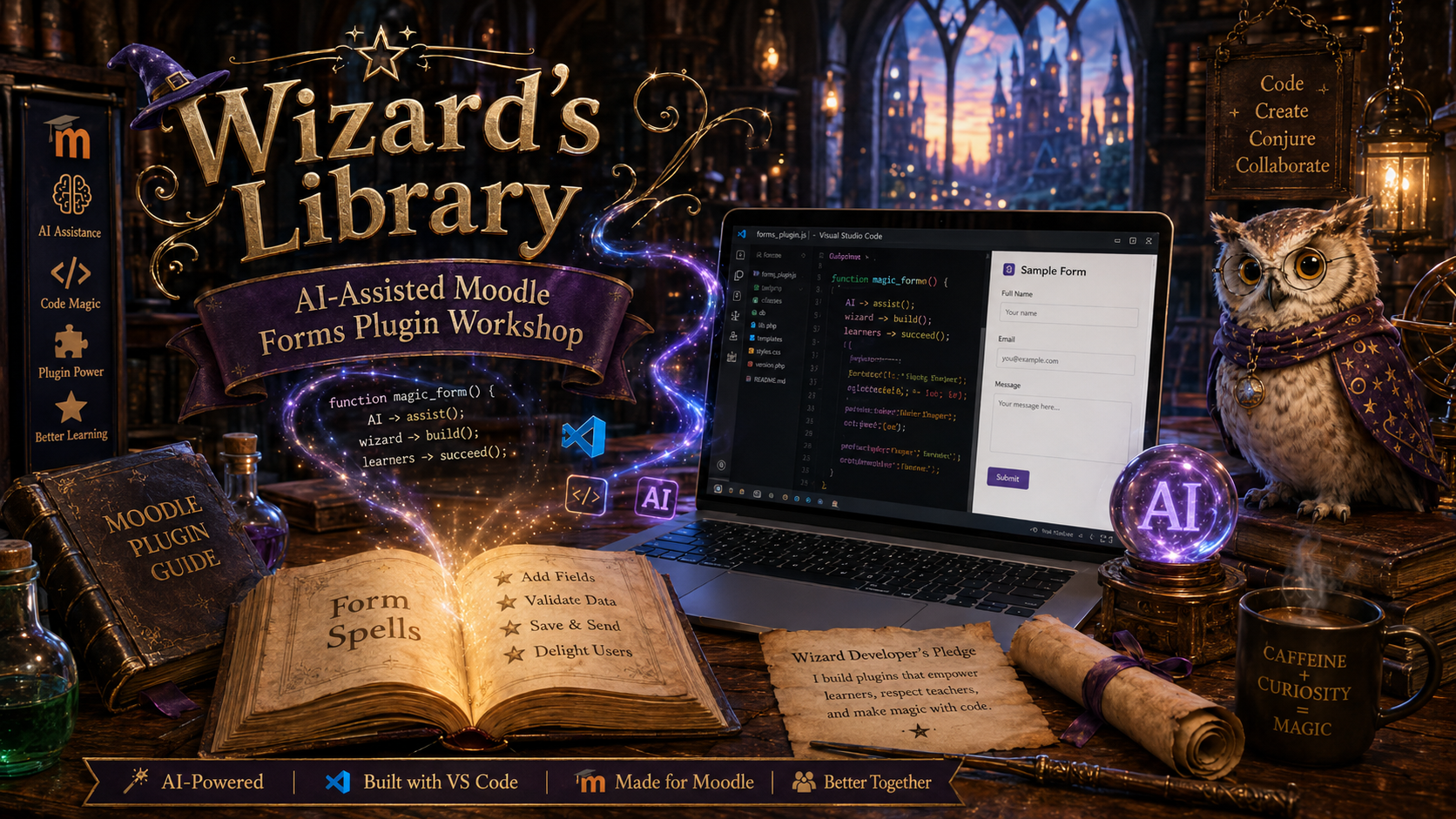
Enter the Wizard’s Library and begin your journey into AI-assisted Moodle plugin development. In this hands-on MountainMoot workshop, you will use Visual Studio Code, Moodle, and AI as your coding familiar to build a simple forms plugin. Along the way, you will study the anatomy of a plugin, gather the needed components, practice giving clear commands to AI, install your creation in Moodle, test the enchantment, troubleshoot common curses, and refine the final spell. This course is designed for curious Moodle users, administrators, instructional designers, and code-curious apprentices who want to see how AI can make plugin development more approachable, practical, and fun. Bring your curiosity, your laptop, and your willingness to experiment. The portal is open. The spellbook awaits.

Accessibility

Background Colour Background Colour

Font Face Font Face

Font Kerning Font Kerning

Font Size Font Size

1

Image Visibility Image Visibility

Letter Spacing Letter Spacing

0

Line Height Line Height

1.2

Link Highlight Link Highlight

Text Colour Text Colour