
While 2025 was billed as the "Year of the AI Agent," the actual movement remained largely theoretical until "OpenClaw" dropped this past December. Since then, Jason have been nerding around with OpenClaw, Hermes, Claude CoWork, and OpenWork to see if these digital entities can survive a standard school day. I will share the results of those experiments including the wins, the spectacular failures, and the moments that were just plain weird. We will look past the marketing gloss to examine the mechanical limits of accuracy, privacy, and necessary oversight. You will leave with a clearer sense of the current landscape and a few actionable strategies for putting your own robot intern to work.
- Teacher: Neiffer Jason
Moodle Gradebook is a powerful, flexible, accurate grade management system. With its natural aggregation system, teachers can leverage sum-of-points, percentage-category, and other grading strategies independently or simultaneously. We will break down the inner workings of gradebook using arithmetic and explain how to customize its calculations to meet the needs of teachers using several common grading strategies as well as a few uncommon ones suggested by attendees.
- Teacher: Hazen Ryan
Engagement stalls the moment a presenter is chained to a podium and a tangle of cables or in a meeting. In this practical session, we'll discuss the benefits of wireless connections and how that can help with engagement in lecture rooms or the conference room. We'll show how ScreenBeam wireless display frees instructors and facilitators to move through the room, hand the screen to any student or colleague, and turn one-way presentations into genuine two-way collaboration. Whether you're teaching a lecture hall or running a meeting, you'll see how going wireless — using the devices and rooms you already have — lowers friction, boosts participation, and gets everyone leaning in. Come cut the cord and watch the room come alive with keeping simplicity in mind.
- Teacher: Blanchard Nancy

Interactive experiences in online learning can benefit learners in a variety of different ways; scaffolding, just in time learning support, learning modality variation, and just plain feeling more interesting and engaging. In this fast session we will explore some quick easy ideas on how to simply increase the interactivity of your Moodle course. Content examples will be provided to jumpstart your work on your courses!
- Teacher: Braden Andy
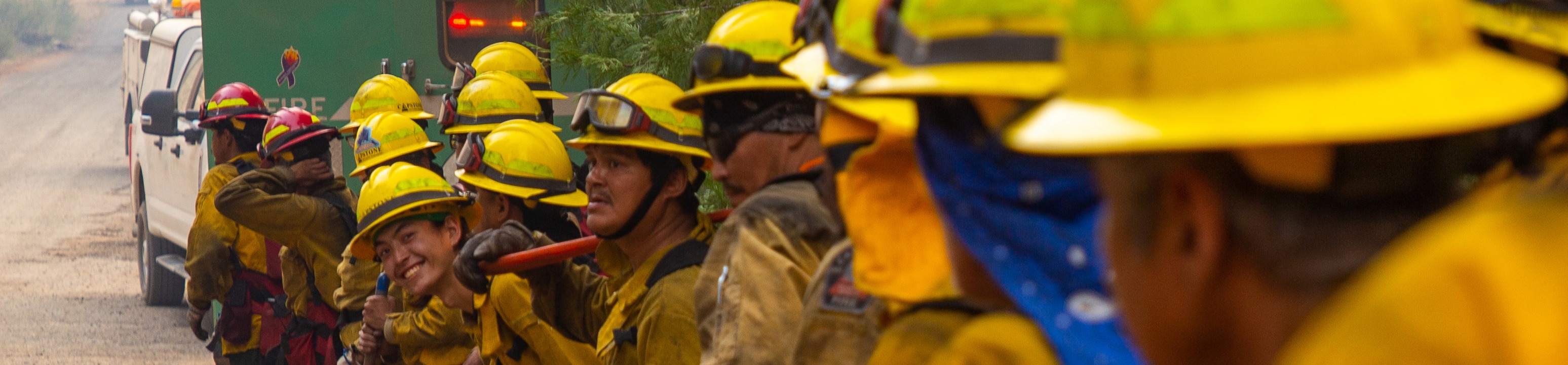
Heather serves as a Training Specialist with the U.S. Forest Service Washington Office Fire and Aviation Management, where she supports the Federal Wildland Fire Workforce Development Program and oversees operations for the Wildland Fire Learning Portal. Drawing on more than a decade of experience in wildland fire training, and her early career on Interagency Hotshot Crews, she blends operational field expertise with a passion for effective digital learning. Today, Heather focuses on helping users confidently navigate LMS tools and championing the national adoption of the Wildland Fire Learning Portal. She holds a B.A. from Middlebury College.
- Teacher: Reichert Heather
- Teacher: Ward Ted